
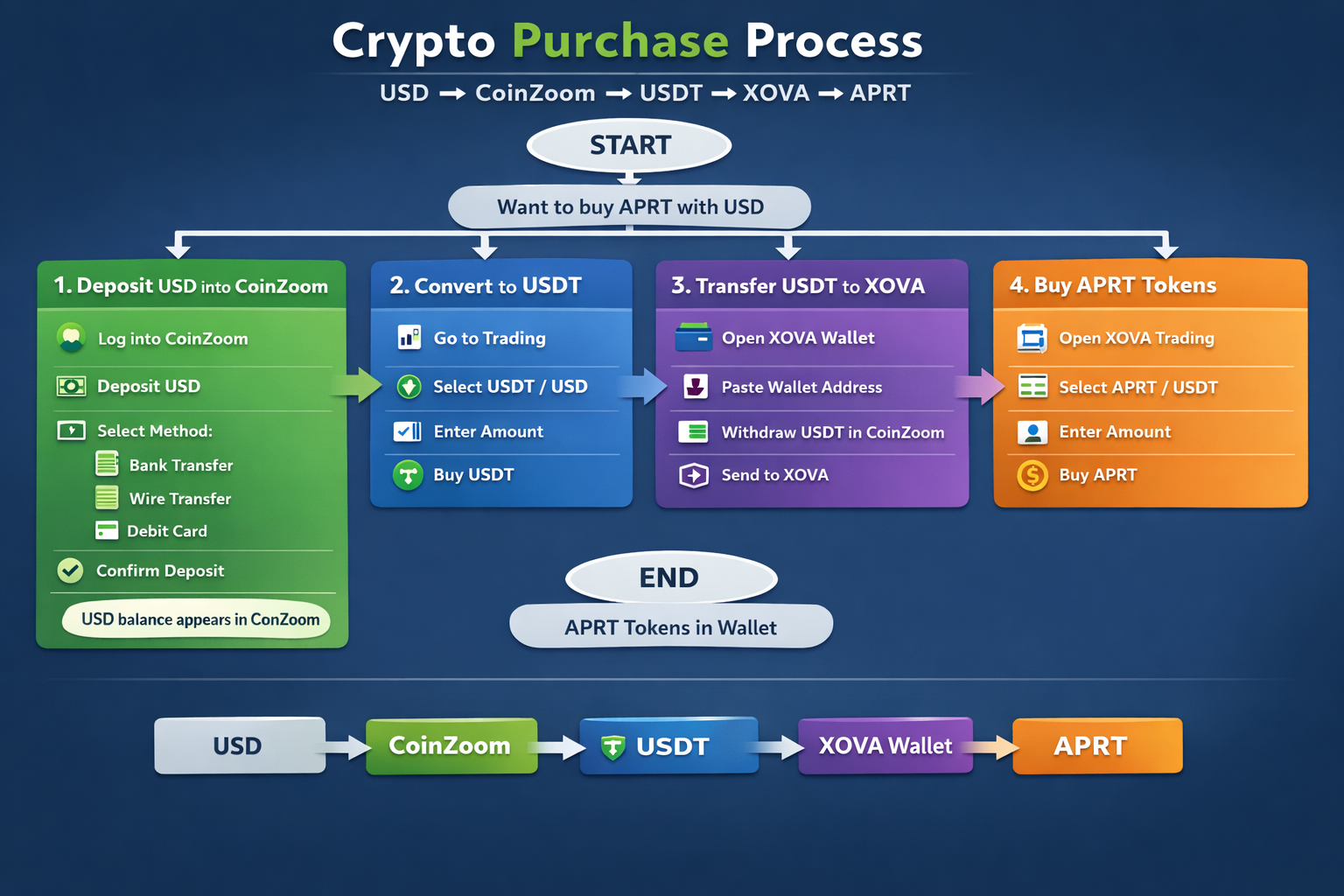
Crypto Purchase Process: USD → CoinZoom → USDT → XOVA → APRT
Step 1 – Deposit USD into CoinZoom
- Log into your CoinZoom account.
- Click Deposit / Add Funds.
- Select USD.
- Choose bank transfer, wire transfer, or debit card.
- Enter the amount you want to deposit and confirm.
- After the transfer clears, your USD balance appears in CoinZoom.
Step 2 – Convert USD to USDT
- Go to the Markets / Trading section.
- Search for the pair USDT / USD.
- Enter the amount of USD you want to convert.
- Click Buy USDT.
- Your account will now hold USDT (digital dollars).
Step 3 – Transfer USDT to XOVA Wallet
- Open your XOVA Wallet.
- Click Receive USDT.
- Copy the wallet address displayed.
- Return to CoinZoom and click Withdraw USDT.
- Paste the XOVA wallet address into the destination field.
- Enter the amount of USDT to send.
- Confirm the withdrawal.
- After blockchain confirmation, the USDT will appear in your XOVA wallet.
Step 4 – Buy Apertum (APRT)
- Open the trading section of the XOVA wallet.
- Search for the trading pair APRT / USDT once it becomes available.
- Enter the amount of USDT you want to spend.
- Click Buy APRT.
- Confirm the order.
- APRT tokens will appear in your wallet after the trade executes.
 DAO1 Apertum Project